


 Vanilla
 Pixelmon


Complex Cobblemon & Pixelmon Update
November 22nd, 2026 → November 28th, 2026
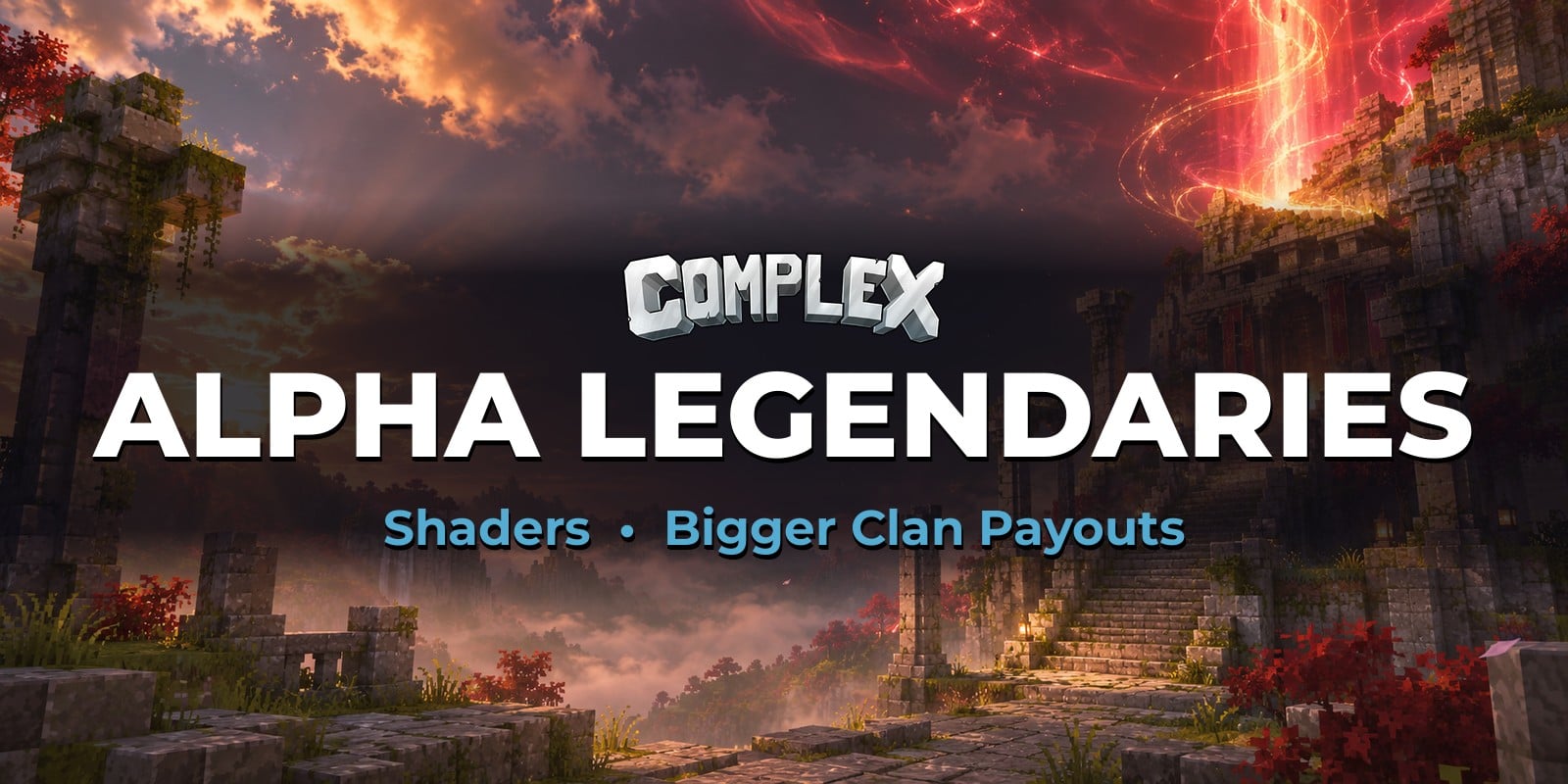
Alpha Legendaries and Alpha Might arrive on Cobblemon, the Complex Cobblemon modpack gets built-in shaders, and clan leaderboard payouts get bigger! Here are the full Cobblemon and Pixelmon patch notes.
 Black Friday Sale: 15% Off
Ranks, rank upgrades, crate keys, bundles, and more are 15% off on Cobblemon and Pixelmon, already applied in the store (no code needed). The sale ends November 30th, 2026 at 11:59 PM ET.
See the Black Friday Sale Post • Shop the Cobblemon & Pixelmon Store
 Quick Facts
Released: November 28th, 2026
Covers: November 22nd, 2026 → November 28th, 2026
Servers: Cobblemon and Pixelmon
Cobblemon IP: cobblemon.mc-complex.com (Java 1.21.1, Complex Cobblemon modpack)
Pixelmon IP: pixel.mc-complex.com (Java 1.21.1, Complex Pixelmon modpack)
Next Patch Notes: December 5th, 2026
 Want sneak peeks and giveaways? Join our Discord
Patch Notes Sections
Cobblemon Exclusive • Complex Cobblemon Modpack Refresh • Clans • Resource Pack Fixes • Bug Fixes and Misc Changes • What's Next • Frequently Asked Questions
 Cobblemon Exclusive
 - Alpha Legendaries (NEW): Legendary spawns can now appear as Alpha or even Shiny Alpha Pokémon. The active legendary spawns menu now shows each spawn's Alpha chance, you'll get an alert when an Alpha spawns nearby, and catching one is announced as an Alpha (or Shiny Alpha) catch.
- Alpha Might (NEW): Alpha Pokémon on your team now hit harder in PvE battles, like battles against wild Pokémon. Their damage gets a 1.25x boost, shown right in the battle log. The boost does not apply in PvP.
- GTS Coin Listings: Anything listed on the GTS for Coins now needs a price of at least 3,000 Coins, keeping the market fair and healthy for everyone.
- Gen 9 National Dex Battles: One-hit KO moves (Sheer Cold, Fissure, Horn Drill, and Guillotine) are now banned in the Gen 9 National Dex (OU) format, keeping battles fair and skill-based.
 Want every detail? Read our Alpha Pokémon Guide
 Complex Cobblemon Modpack Refresh
 - Shaders (NEW): The Complex Cobblemon modpack now comes with Iris and two shader packs, Complementary Reimagined and Complementary Unbound. They are off by default, so turn them on any time in Options > Video Settings > Shader Packs.
- Battle Extras (NEW): Battles now show type icons, stat changes, and move details, plus a battle log you can open with V.
- Block Info (NEW): Jade shows the block you are looking at, and stays hidden on Pokémon and NPCs so it never gets in the way.
- Zoom (NEW): Hold Z to zoom in.
- Better Looks: Fresh Animations for vanilla mobs, Better Leaves, Continuity, and 3D skin layers.
- Faster Game: ModernFix, More Culling, BadOptimizations, and Dynamic FPS help the game run smoother with less lag, and the recommended memory is now just 4 GB.
- Mouse Tweaks: Move items around your inventory faster with the mouse wheel and drag.
- Sound Physics (Optional): Sound Physics Remastered adds echo and muffled sound. It is off by default.
- Flashback (Modrinth): The Modrinth version includes Flashback, so you can record and replay your adventures.
- Map and Minimap: Pokémon now show up on the map and minimap, and the minimap is smaller in the top-right corner so it no longer covers the scoreboard. Toggle it with H.
- Quick Summary: Press M to open your Cobblemon summary (new installs).
- Your Settings Stay: Modpack updates no longer reset your own settings.
 How to Update or Reinstall the Modpack
Already have the Complex Cobblemon modpack? You need the newest version to get everything above, so update before you join:
- CurseForge: Open the CurseForge app, go to My Modpacks and click Update on the Complex Cobblemon modpack (listed as Cobblemon SMP by FrankCG). No Update button? Open the modpack, go to its Versions tab and install the newest version at the top of the list.
- Modrinth: Open Complex Cobblemon in the Modrinth app and click Update. No Update button? Pick the newest version from its versions list.
- Still not working? Reinstall it fresh. First copy anything you want to keep (screenshots, singleplayer worlds, or resource packs you added) out of the modpack's folder, then remove the old Complex Cobblemon profile in your app and install it again from the Complex Cobblemon modpack page with Install Via App.
- After updating: Your settings and keybinds are kept. For the new minimap layout, set "Minimap toggle" to H in Options > Controls, and turn on Fresh Animations and Better Leaves once in Options > Resource Packs. Shaders stay off until you pick one in Options > Video Settings > Shader Packs.
- Press Play and join cobblemon.mc-complex.com.
Want every detail? Read our Modpack Install Guide Clans
Clans - Bigger Leaderboard Payouts: The Leaderboard Payout Multiplier clan upgrade now gives more Gems from /leaderboard payouts at every tier: Clan Level 20 x1.005 → x1.01, Level 30 x1.01 → x1.025, Level 40 x1.02 → x1.05, and Level 50 x1.05 → x1.1. Upgrade costs stay the same. Live on both servers.
Want every detail? Read our Clan Upgrades Guide Resource Pack Fixes
 | Cobblemon | Pixelmon |
|---|---|
| • Tropical Bellossom no longer crashes players on Cobblemon 1.8.4. | • Pokémon skins that showed up black and pink load properly again, because the missing skins pack now downloads automatically when you join. |
 Bug Fixes and Misc Changes
 | Cobblemon | Pixelmon |
|---|---|
| • Pokémon now keep their Growth size (Pygmy, Small, Ordinary, Enormous, and more) on Cobblemon 1.8.4, and Pokémon that came in at the wrong size since the update are fixed automatically the next time they load. | • The clan upgrades menu now stays on the category you picked after buying or cancelling, and no longer shows switched-off upgrades. |
| • Trades and battle challenges between players work again. | • Chest shop purchases that won't fit in your inventory and overflow are now stopped before you pay, instead of the extra items being lost. |
| • Reviving a fossil in the Fossil Machine now gives you the Pokémon and no longer uses up extra Poké Balls. | • The Favorite Legends menu no longer shows your slots as full when no favorites are showing, and favorites saved before the last spawn update come back with their spawn boost. |
| • Opening a pasture no longer disconnects you. | • Party members who start a dungeon from a different server than the host now load into the run instead of being sent back. |
| • Pygmy and Microscopic Pokémon can now be ridden, and riders stay seated on Articuno, Zapdos, Moltres, Salamence, and Volcarona. | • Dungeon entry fees and their refunds show up in /bal history again. |
| • The Play Rough and Pay Day TMs can be made again. | |
| • NPC Gym Leaders now use the same, current team on every spawn. | |
| • Plushy spin keys (the gems) can no longer be accidentally placed on the ground and lost. | |
| • Gym Shop purchases now show up in your balance history. | |
| • Free-for-all gym queues now sync correctly between servers. | |
| • Paid flight time no longer runs down while you stand on the ground. | |
| • Flight time from vouchers and rewards is no longer lost when you switch zones right before redeeming. | |
| • The PokeBuilder Growth option is now turned off for Alpha Pokémon, since Alphas always show at their fixed size. | |
| • Ranked battles no longer ask you to pick your first move twice, and no longer get stuck on the first turn when you pick a move during the opening animations. | |
| • Chest shop purchases that won't fit in your inventory and overflow are now stopped before you pay, instead of the extra items being lost. | |
| • The Favorite Legends menu no longer shows your slots as full when no favorites are showing, and favorites saved before the last spawn update come back with their spawn boost. | |
| • Party members who start a dungeon from a different server than the host now load into the run instead of being sent back. | |
| • Dungeon entry fees and their refunds show up in /bal history again. |
 What's Next
 We're already hard at work on the next set of events for Cobblemon and Pixelmon! Keep an eye on our Discord for sneak peeks. Proximity voice chat is also already built into the Complex Cobblemon modpack and switches on soon, so stay tuned!
Frequently Asked Questions
Frequently Asked Questions  Can Legendary Pokémon be Alpha on Complex Cobblemon?
- Yes. Legendary spawns on Cobblemon can now appear as Alpha or Shiny Alpha Pokémon, and the active legendary spawns menu shows each spawn's Alpha chance.
Do my Pokémon keep their size on Complex Cobblemon 1.8.4?- Yes. Every Pokémon keeps its Growth size, and Pokémon that came in at the wrong size after the update are fixed automatically the next time they load.
What do I need to play on Complex Cobblemon?- Java 1.21.1 with the newest Complex Cobblemon modpack, which runs Cobblemon 1.8.4. Our Modpack Install Guide shows how to install and update it.
Does the Complex Cobblemon modpack have shaders?- Yes. The newest Complex Cobblemon modpack comes with Iris and the Complementary Reimagined and Complementary Unbound shader packs. They are off by default, and you can turn them on in Options > Video Settings > Shader Packs.
How often does Complex post patch notes?- Every Saturday, here in Announcements and on our Discord.
🎮 Ready to play?
cobblemon.mc-complex.com • pixel.mc-complex.comJava 1.21.1 • Complex Cobblemon modpack • Complex Pixelmon modpack
Sneak peeks, giveaways and support:  discord.gg/ComplexPixel

See You Online!
New to the server? Our guides cover everything you need to get started:
Cobblemon Guide • Pixelmon Guide • Modpack Install Guide
Cobblemon • Pixelmon • Previous Patch Notes • All Patch Notes
 Vote • Store • Discord
Last edited: