
bramden
Member
Factions Region Quick Guide
This guide will serve as a quick guide to Faction Regions and how to use each command to protect your items within your factions claims.
Command Usage
This guide will serve as a quick guide to Faction Regions and how to use each command to protect your items within your factions claims.
Command Usage
◆ /f rg create <region> - Create a new region with your current blaze rod selection
◆ /f rg list [page] - View all regions in your faction
◆ /f rg delete <region> - Delete an existing region
◆ /f rg priority <region> <priority> - Set region priority (higher = more important)
◆ /f rg redefine <region> - Redefine a region's boundaries
◆ /f rg info <region> - View detailed information about a region
◆ /f rg player <region> <player> [yes/no] - Manage player access to a region
◆ /f rg denyall <region> - Toggle deny-all mode for a region
◆ /f rg copyaccess <region1> <region2> - Copy access settings between regions
◆ /f rg check - Check which regions you are currently in
How to Set a Region
- Grab a blaze rod, this will be your tool for selecting your region.
- Left click the block you want your first position to be.
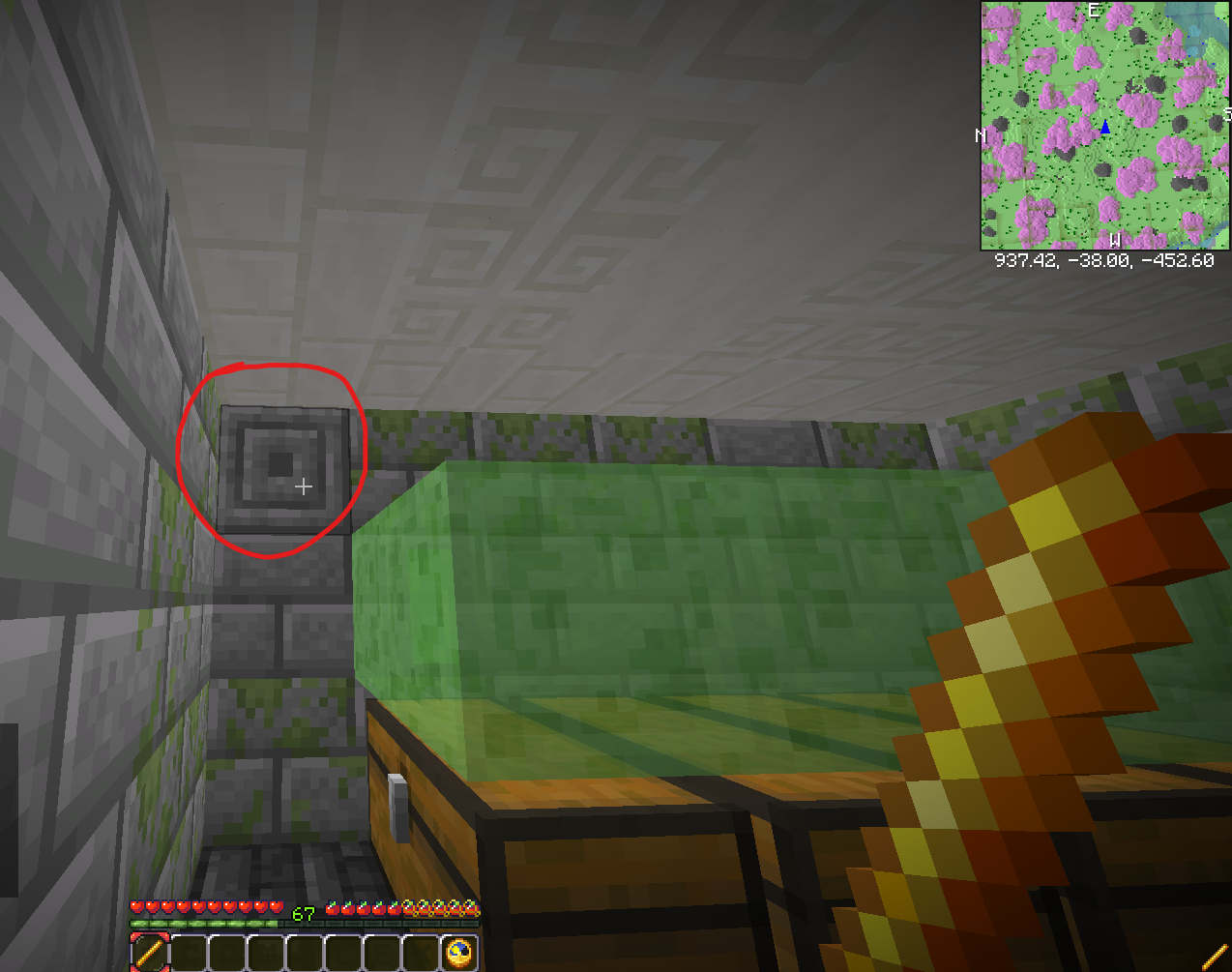
- Right click the block you want your second position to be.
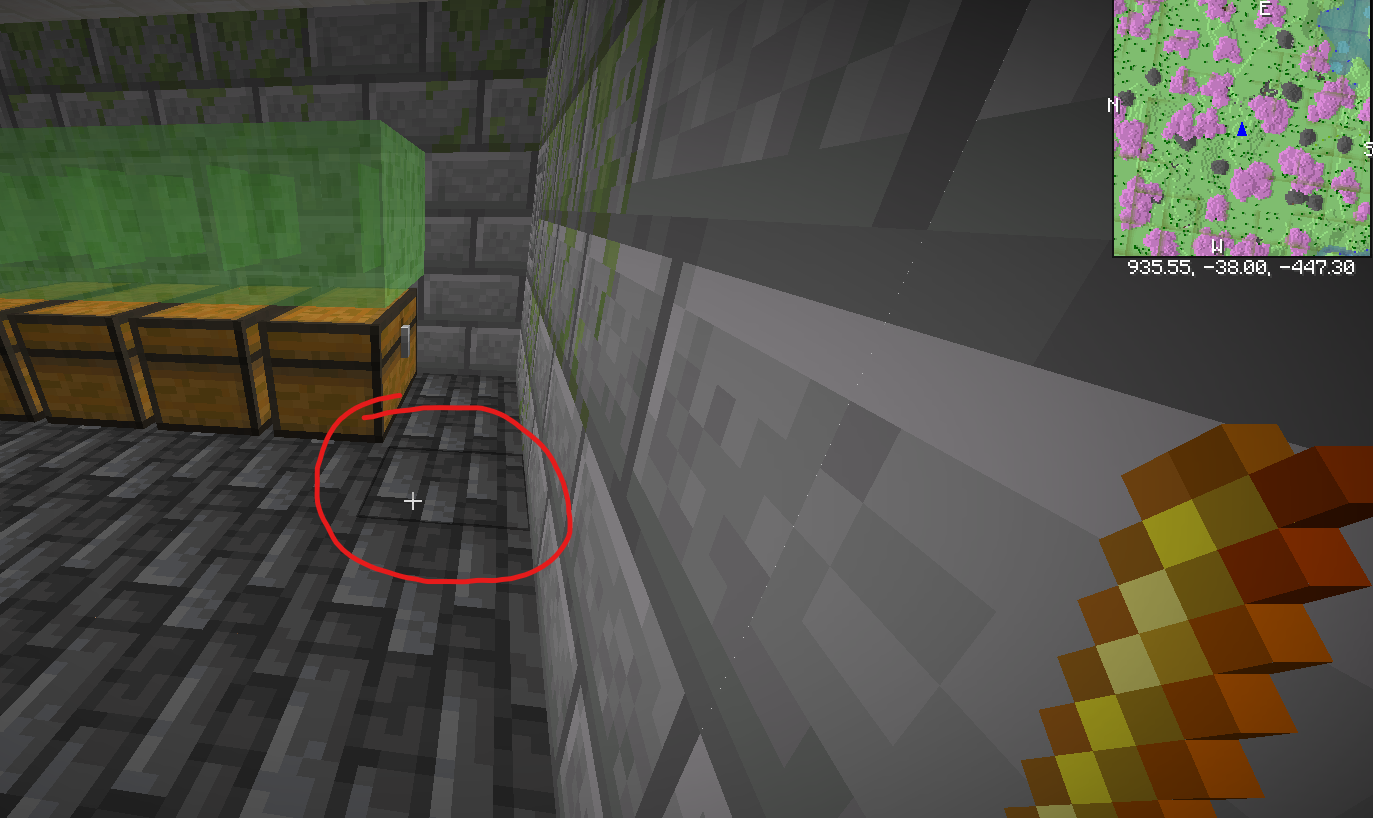
- Once both positions are set you will see the following messages in chat to confirm your selection

- Next run /f rg create <name of region>
- You can list your newly created region by running /f rg list and see more details by doing /f rg info <name of region>
Managing Your Region
- /f rg priority <name of region> will allow you to set the priority of the region, higher tiered vaults you will want to be higher priority
- All access outside of you is toggled off by default, you can toggle this via /f rg denyall <name of region>
- You can grant access to a region using /f rg player <name of region> <player> [yes/no] Note: this will grant access to chests and blocks in that region for that player
- If you want to copy the same access as another region you have created already, you can run /f rg check.
- To delete a region use /f rg delete <region name>
Note: Do not add players to your region unless they are 100% trusted.
Insiding Spawn Claims/Vaults will for the most part no longer be moderated with the addition of this command.
Insiding Spawn Claims/Vaults will for the most part no longer be moderated with the addition of this command.